IAtB iDsE iGnH hJeKrLeM sOoPmQeRwShTeUrVeW

    ← BackstageBackstage
    HomeProductsCollectionsProductContactStyle kit
    Demo shop · Frame by Frame · not a real business
    Frame by Frame
    • Courses
    • Masterclasses
    • Presets
    • 1:1 sessions
    • About
    • Courses
    • Masterclasses
    • Presets
    • 1:1 sessions
    • About

    Colourist · Teaching since 2019

    Noor Adeyemi

    Colour, light and the edit, taught the way the job is actually done.

    I grade features and commercials for a living and teach the whole job, in order, with the boring parts left in. Every course is one purchase: watch forever, keep the files, get every update.
    Browse the coursesAbout me
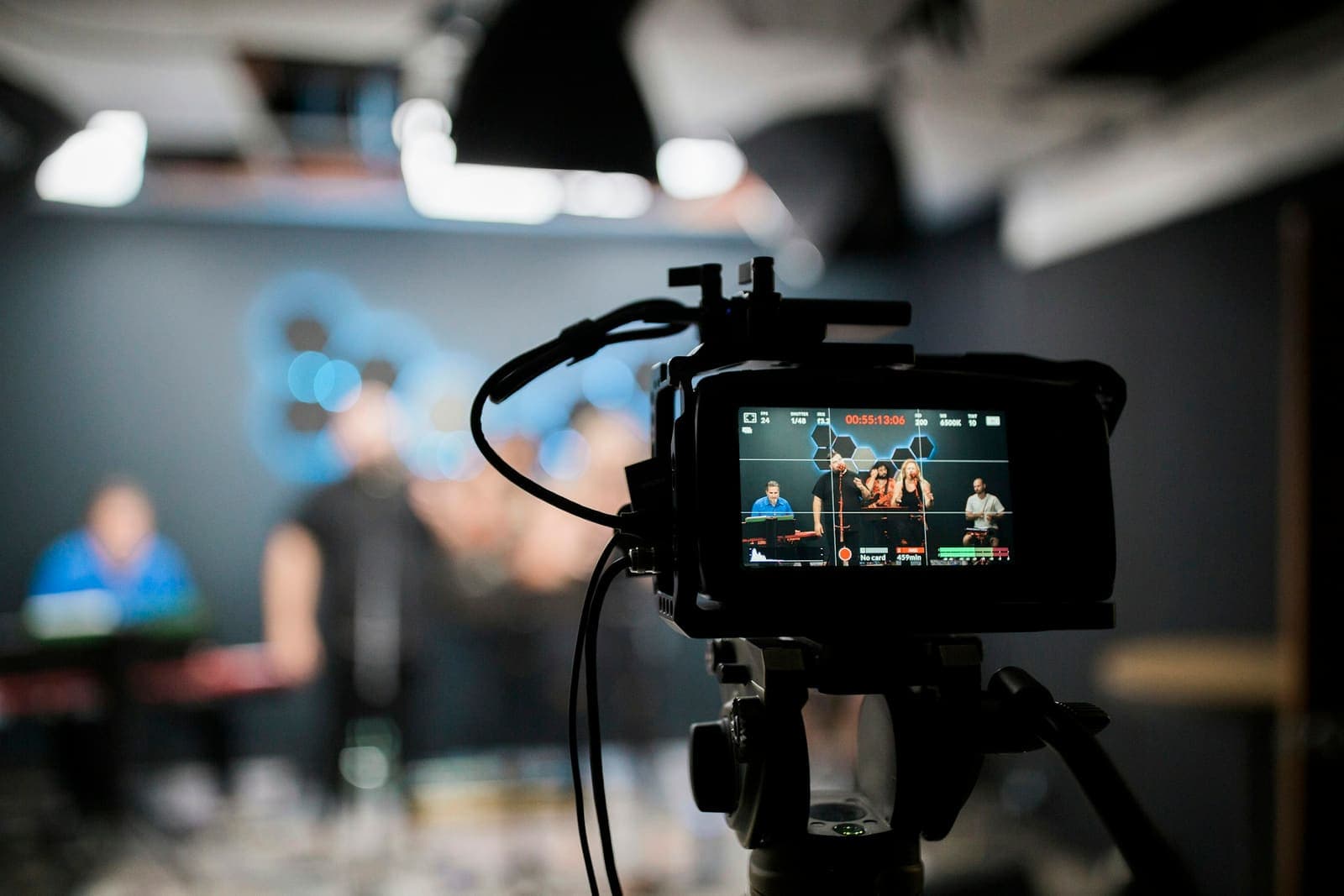
    Noor at the grading desk, a cinema camera behind
    students
    12,400
    courses
    9
    hours of lessons
    41
    average rating
    4.9

    Pick up where you left off

    3 courses
    1. 64%Colour Grading Foundations16 lessons · 4 h 11 minContinue
    2. 12%Cinematic Lighting Masterclass7 lessons · 1 h 33 minContinue
    3. 100%Editing for Story9 lessons · 2 h 7 minReview

    Watch a lesson free

    See how the lessons are taught before you pay for one

    Colour Grading Foundations·3 of 16 lessons free

    Free lesson01 · Seeing colour3:40

    Welcome, and how to watch this course

    What the course covers, what it does not, and how to follow along with your own footage.

    Get the course$49.00Open in the classroom

    Start here

    The three most people begin with.

    Colour Grading Foundations

    Colour Grading Foundations

    Courses
    $49.00AUD
    Cinematic Lighting Masterclass

    Cinematic Lighting Masterclass

    Masterclasses
    $79.00AUD
    Editing for Story

    Editing for Story

    Courses
    $59.00AUD
    All courses

    What Colour Grading Foundations teaches

    For editors and filmmakers who grade their own work and want to stop guessing

    • Read any frame by eye and on the scopes before touching a control
    • Balance and match a scene so nobody notices you were there
    • Build a look from a reference still and save it as a LUT that behaves
    • Grade skin first, and know why
    • Deliver a grade that survives the client’s laptop
    Level
    Beginner
    Runtime
    4 h 11 min
    Lessons
    16 in 4 modules
    Language
    English
    Quizzes
    1
    Live sessions
    1
    Certificate
    On completion
    Access
    Lifetime, any device

    What to have first

    • DaVinci Resolve — the free version is fine
    • A monitor you can trust, or a plan to calibrate one
    • Some footage of your own to grade alongside mine

    Inside Colour Grading Foundations

    Every lesson, in order. Three are free to watch right now.

    4
    modules
    16
    lessons
    4 h 11 min
    runtime
    3
    free
    1. 01Seeing colourHow to look at an image before you touch it.4 lessons · 38 min
      1. Welcome, and how to watch this courseVideoWatch free3:40
      2. What a colourist actually doesVideoWatch free9:15
      3. Reading a frame: contrast, hue, saturationVideoIn the course14:20
      4. Scopes without the mathsReadingIn the course11:05
    2. 02The primary gradeBalance first, look second.4 lessons · 52 min
      1. Exposure and white balance in logVideoIn the course16:30
      2. Matching shots in a sceneVideoIn the course18:45
      3. Skin, and why it comes firstVideoIn the course12:10
      4. Check yourself: the primary gradeQuiz · 4 questionsIn the course5:00
    3. 03Building a lookFrom a reference to a repeatable grade.4 lessons · 53 min
      1. Pulling a palette from a stillVideoWatch free8:30
      2. Curves, keys and the split toneVideoIn the course21:15
      3. Film emulation, honestlyVideoIn the course15:40
      4. Saving the look as a LUT you can trustVideoIn the course7:25
    4. 04DeliveryGetting it out of the room looking the same.4 lessons · 1 h 48 min · opens day 7
      1. Monitors, rooms and trusting your eyesVideoIn the course10:00
      2. Exports for web, broadcast and the clientVideoIn the course13:20
      3. Your first paid grade: a walkthroughVideoIn the course24:10
      4. Live grading Q&ALiveIn the course60:00
    Get the courseOpen the free lessons

    Ways to learn

    One purchase each. No subscription, no expiry.

    1. 01

      Single course

      $49one-time

      Pick the one you need now.

      • One full course
      • Lifetime access and updates
      • Project files and LUTs for that course
      • Certificate of completion
      Choose a course
    2. 02Most popular

      All access

      $149one-time

      Every course, and every one I make next.

      • All nine courses
      • Every future release, free
      • The full LUT and preset library
      • Every live session and its recording
      Get everything
    3. 03

      Mentorship

      $390per month

      For the ones who want notes on their work.

      • All access included
      • A 1:1 edit review every week
      • Private channel, answers within a day
      • Cancel any month
      Apply

    Live

    Upcoming sessions

    Included with All access and Mentorship. Recordings go into the course afterwards.

    1. Fri5 Jun18:00 UTC

      Delivering for broadcast — a walkthrough

      Zoom · 75 min · Members

      Recorded; now lesson 14 of Colour Grading Foundations.

      Add to calendar
    2. Fri2 Oct18:00 UTC

      Monthly grading Q&A

      Zoom · 60 min · Members

      Bring a shot you cannot match. We grade it together.

      JoinAdd to calendar
    3. Fri16 Oct18:00 UTC

      Lighting a face with one lamp — live demo

      YouTube · open to all · 90 min · Open to all

      A free session in the studio. No sign-up.

      JoinAdd to calendar
    4. Fri6 Nov17:00 UTC

      Cohort call: Editing for Story

      Zoom · 60 min · Members

      Notes on the recut assignment.

      JoinAdd to calendar

    From people who took the courses

    I had watched a hundred grading videos and still could not match two shots. Module two fixed that in an afternoon.
    Tomasz WierzbickiWedding filmmaker, Kraków
    The lighting masterclass paid for itself on the first job. I stopped guessing and started placing.
    Ayesha RahmanDocumentary DP, Dhaka
    Mentorship is the best money I spend each month. Notes on my actual cuts, from someone who does this for real.
    Leon BaptisteEditor, Montréal

    Browse by format

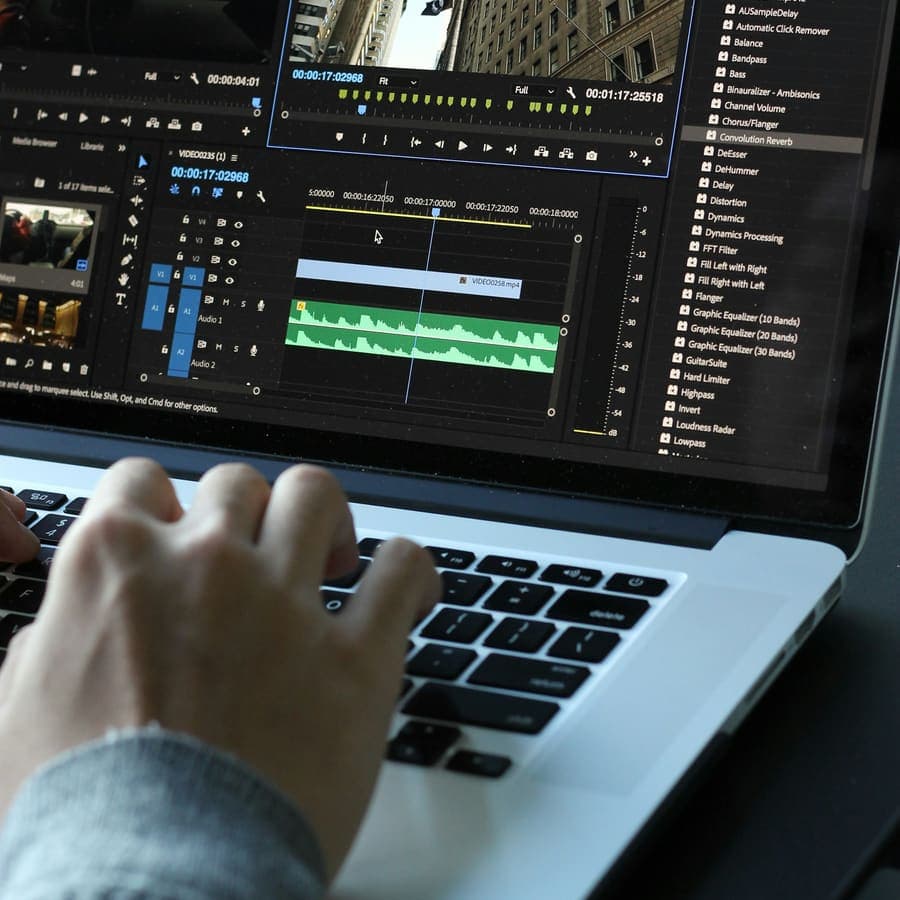
    Working at a grading monitor

    Courses

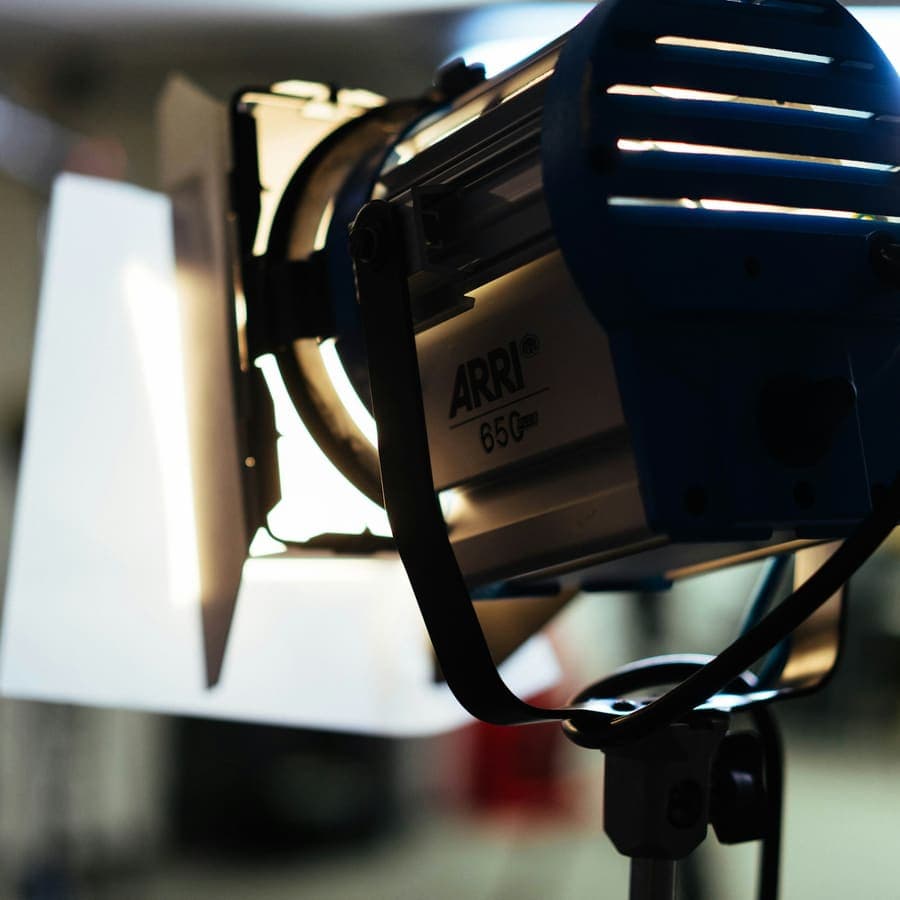
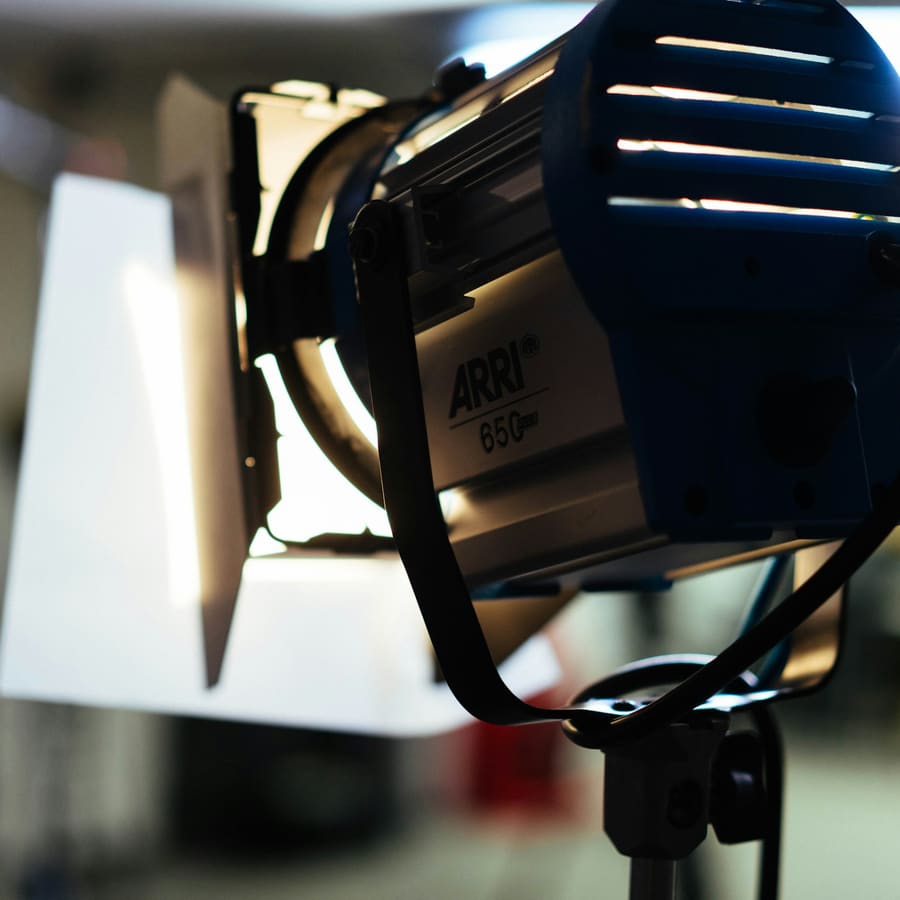
    Under a studio light

    Masterclasses

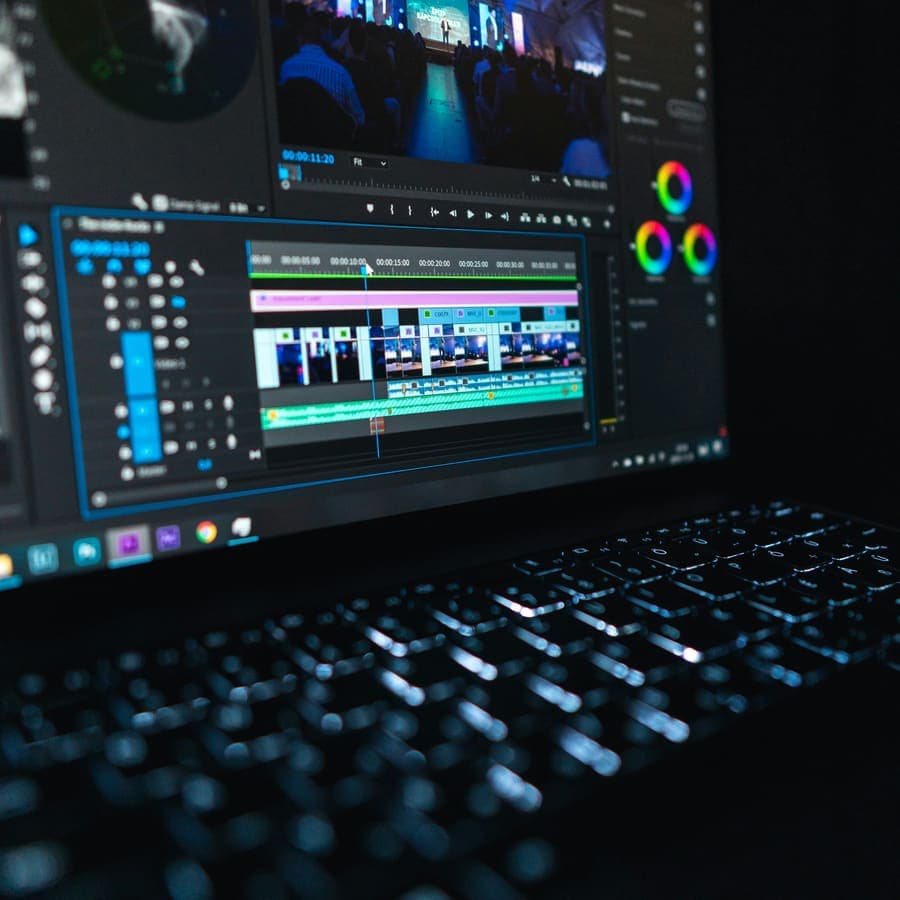
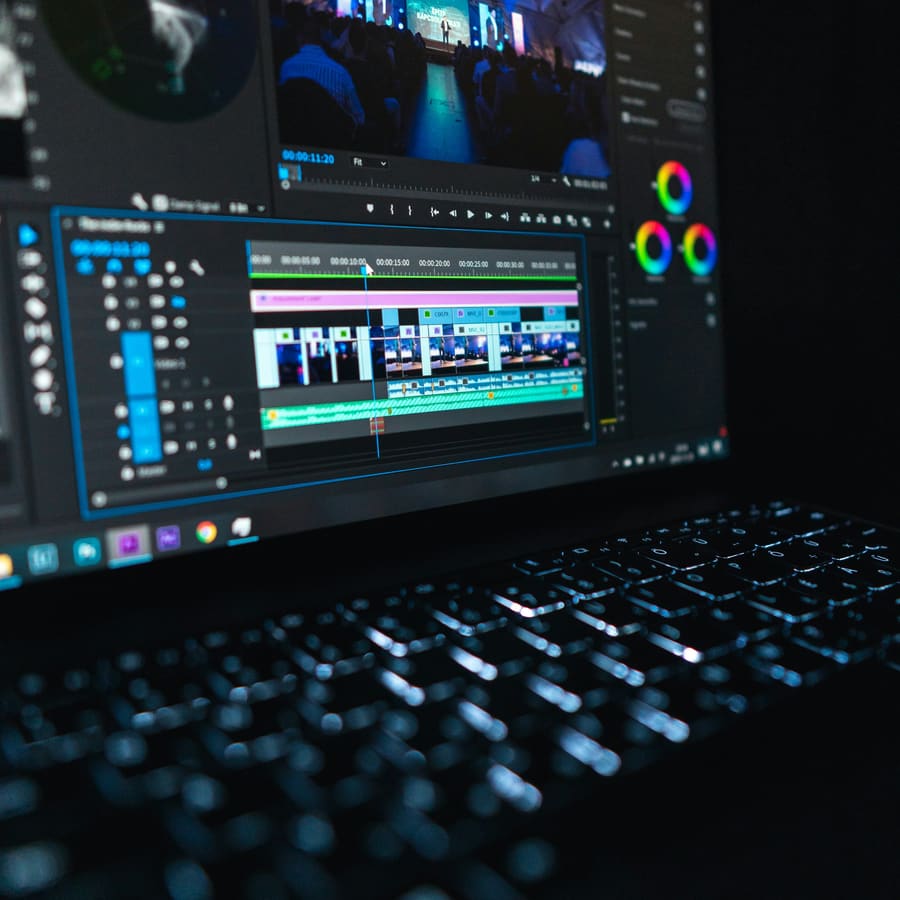
    A timeline on a monitor

    Presets & LUTs

    Planning at a laptop

    Templates

    Talking to a microphone

    Sessions

    Questions, answered

    No. Every course is one purchase and you keep it. Mentorship is the only monthly thing, and you can stop it any month.

    Frame by Frame

    Courses, masterclasses and presets from a working colourist. New lessons most Thursdays.

    Get the free lighting cheat sheet

    Learn

    • Courses
    • Masterclasses
    • Presets & LUTs
    • Templates
    • All formats

    Studio

    • About Noor
    • Work with me
    • Student stories

    Help

    • FAQ
    • Refund policy
    • Contact

    (c) Frame by Frame 2026

    Backstage — theme preview